Your cart
There are no more items in your cart

 Français
 Português PT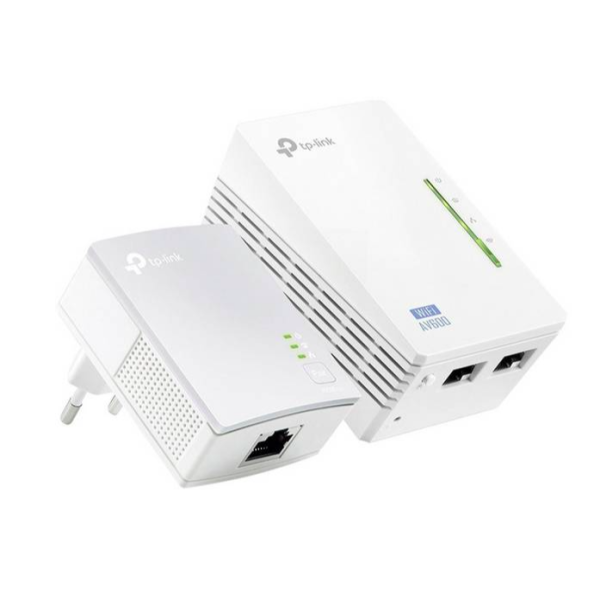

€36.00
€45.00
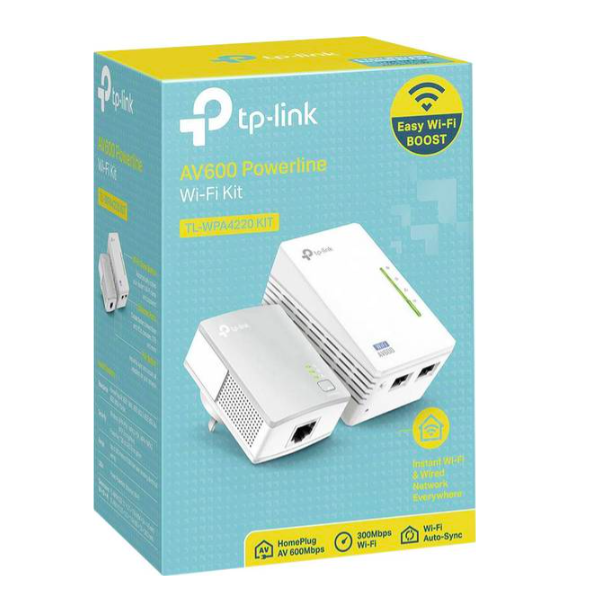
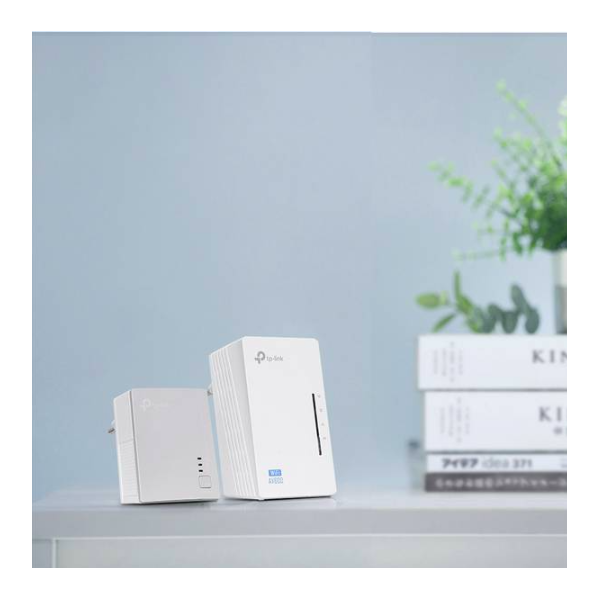
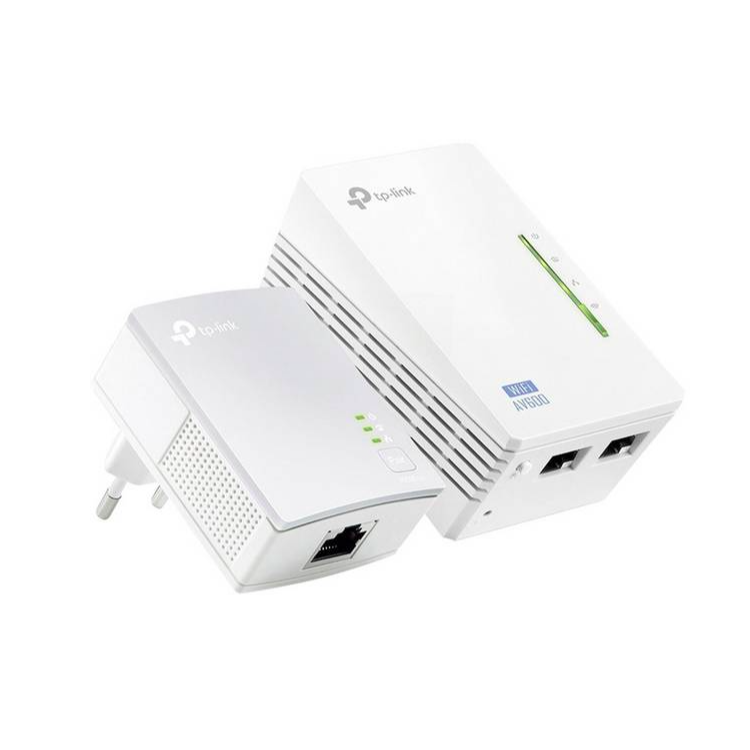
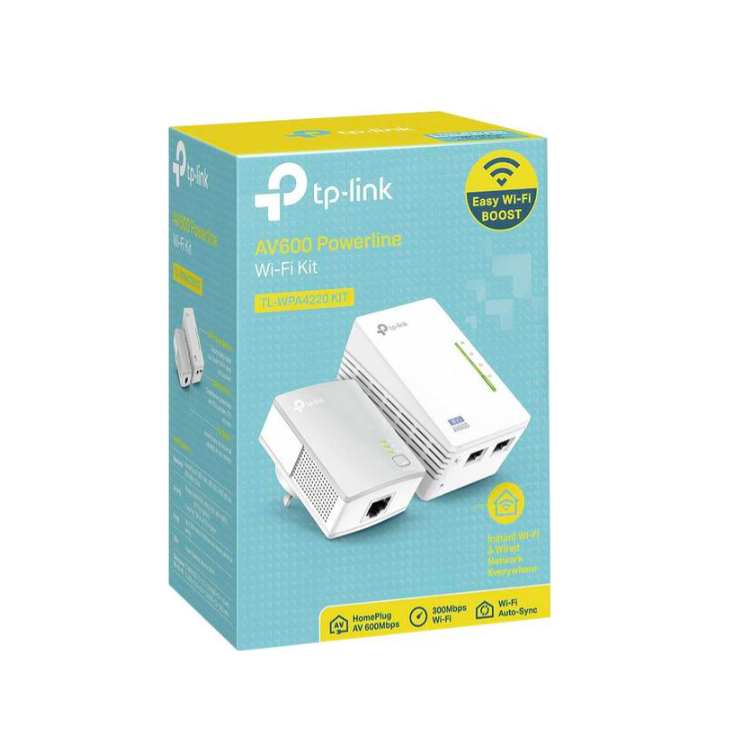
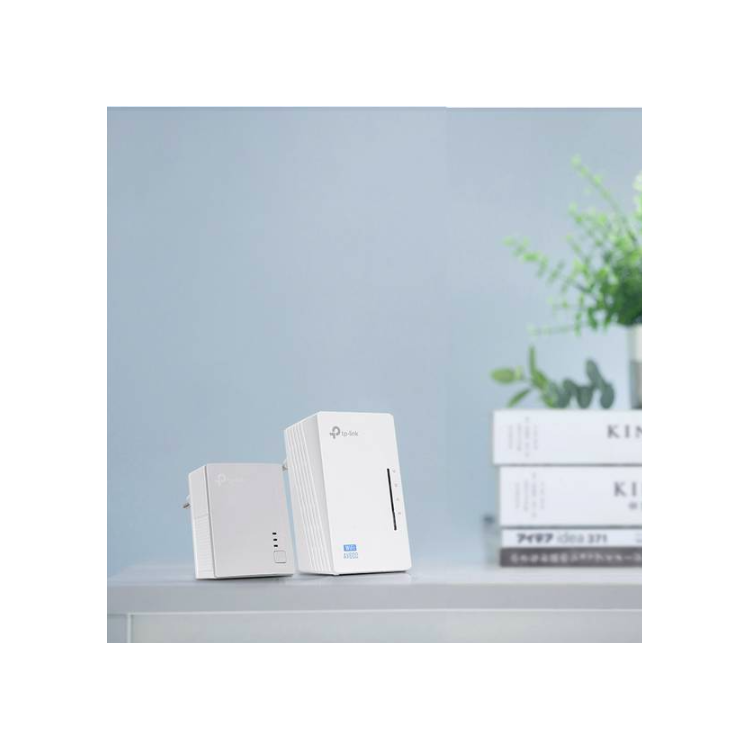
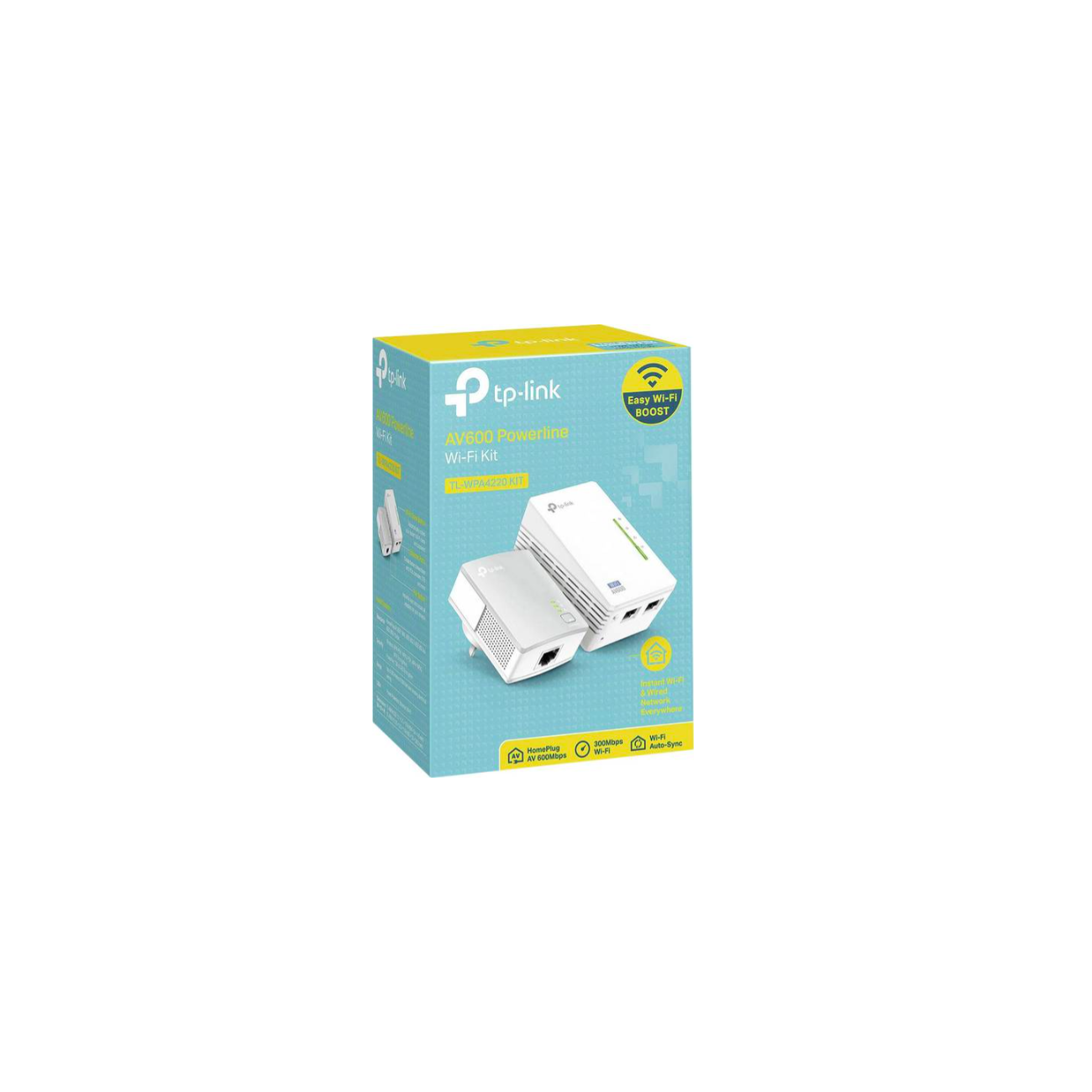
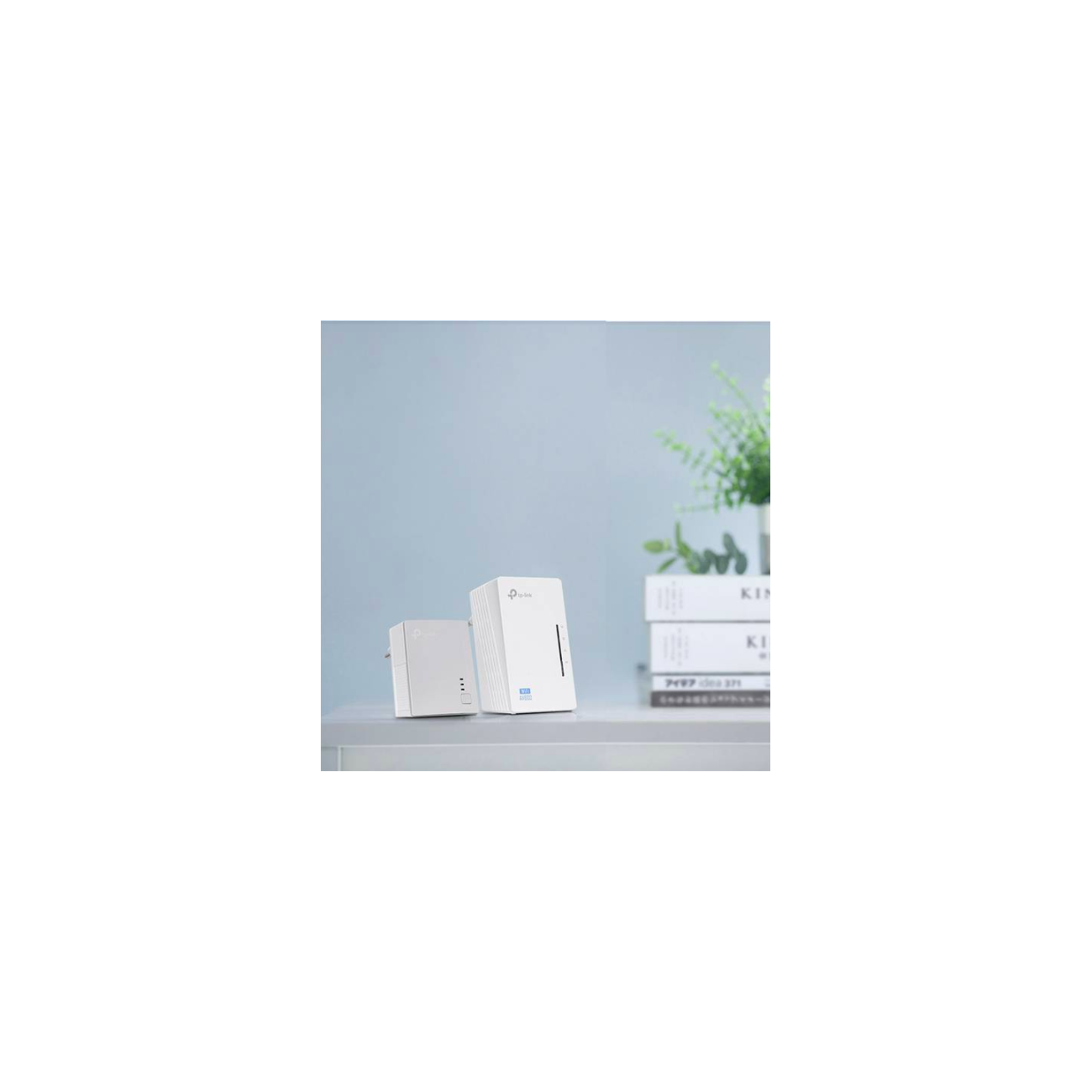
TP-LINK's TL-WPA4220 kit extends your Internet connection to every room of the house via the electrical network. The connection to your router does not go through the Wi-Fi network, but through the existing electrical wiring. The TL-WPA4220 has a Wi-Fi-Clone button to activate "Super Range Extension". This means that the device automatically copies the SSID and password of your Wi-Fi. Thus, TL-WPA4220 simplifies setting up your wireless network and enabling roaming.
"Super Range Extension" at the press of a button
Start the "Super Range Extension" function by pressing the Wi-Fi Clone button: the TL-WPA4220 automatically sets itself to the SSID and password of your Wi-Fi connection. Once this configuration is done, you can install your Powerline adapter anywhere at home or office.
Maximum speeds of 500 Mbps - Ideal for HD video streaming
With an improvement of the HomePlug-AV standard, the TL-WPA4220 kit delivers high and stable transfer speeds of up to 500 Mbps over distances of up to 300 meters. The device is a complete solution, ideal for networking all compatible devices in the home (eg computers, game consoles, IPTV set-top boxes, printers and NAS devices).
Extend your Wi-Fi coverage to every room in the house
With Wi-Fi transfer speeds of up to 300 Mbps, you can easily extend your Wi-Fi coverage through your existing electrical circuit and transmit from anywhere you choose.
Plug and play
TP-Link's Powerline Plug & Play adapters allow a powerline internet network to be established in minutes. In addition, the “Pair” buttons on the adapters can be used to secure and differentiate between multiple Powerline networks.
1. Plug an internet-connected adapter into an available outlet nearby.
2. Connect one or more cable or Wi-Fi adapters to computers, connected TVs, etc. Done!